Fictizia
Context
Fictizia asked for a site dedicated to its Master’s in user experience and visual interface design — a place for students, teachers, and the school to share course content, not a generic school homepage.
Work happened in a team of designers, with research and interface design running as one process.
Research
The interview plan was framed in a workshop around three questions: user needs, business goals, and technical limits.
Stakeholder highlights: an intuitive, practical, innovative web concept; downloadable course material with clear descriptions and bibliography; a balance of current and future students (alumni were out of scope).
User highlights: information architecture mattered most. About 70% of interviewees barely remembered school site visuals — they remembered whether finding information was easy. They wanted bibliography, downloads, syllabus, dates, useful links, lecturer info, and visual material from the course process.
Shadowing watched people compare UX/UI course sites in Madrid. Transparent pricing and clear content beat pretty but opaque competitors.
Card sorting ranked what belonged on the course site — presentation of the course, facilities, price, syllabus, schedule, methodology, and projects scored highest.
Persona
Clara Laspiur — 30, web and graphic designer in Madrid. She wants a more specialised digital design profile, clearer course information, and less friction finding what she needs. Impatient, busy, recommendation-driven.
Structure and system
Information architecture settled around course presentation, content, pricing, resources, teachers, schedule, curriculum, FAQs, and contact.
Sketches explored home, content, pricing, and resources before high-fidelity UI.
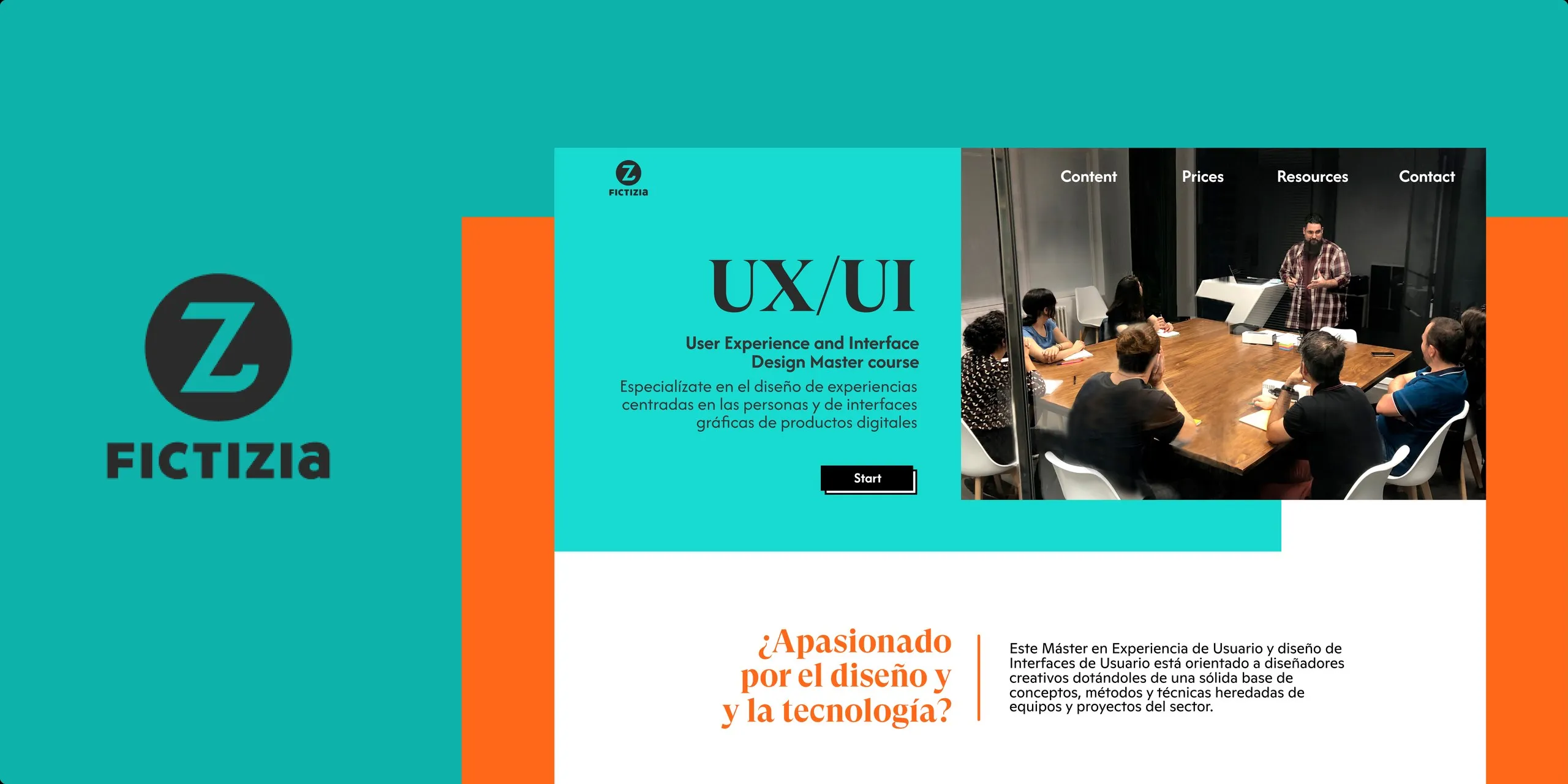
Colour: Fictizia’s teal primary (#0eb2ab) plus a split-complementary orange (#ff6819) for contrast. Neutrals and semantic states documented for UI.
Type: GT Super Display for expressive display; Ginto for geometric body — the same contrast idea as the two primary colours. Responsive type equivalences mapped desktop → tablet → mobile.
Delivery
Responsive mockups at 1440, 1024, 768, and 320 — hero, pricing, schedule, curriculum, faculty, FAQs, and contact — carrying teal/orange brand and clear course information hierarchy.
Tools
Figma, Sketch, Illustrator, After Effects.